Protection

Defence that holds the line.

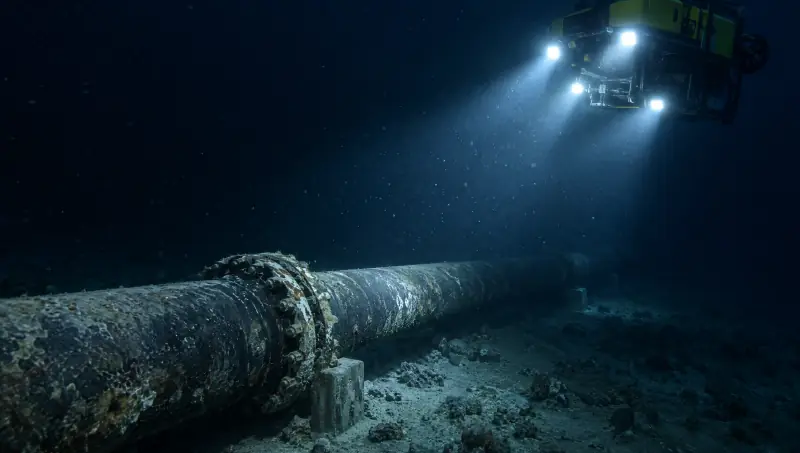
Vamocles protects what people and nations depend on: pipelines and power, borders and coastlines, people caught in a disaster, and the devices, identities and data they carry.

Perimeter
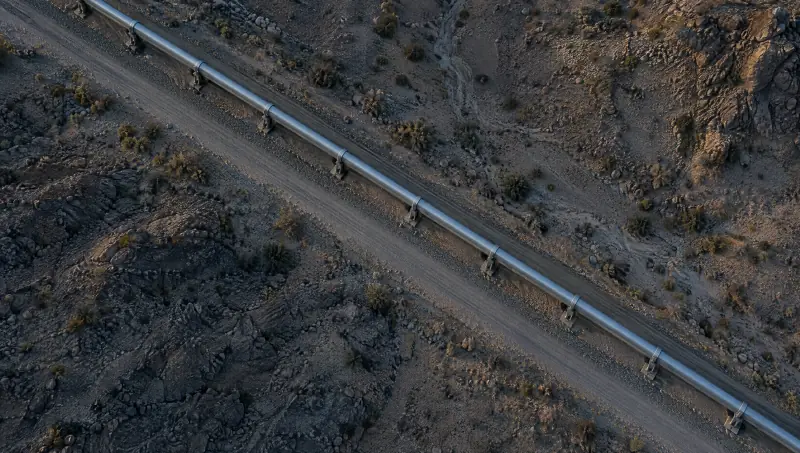
Traffic passes. The line holds around valve station 14.

Two fronts

Two fronts. One line.

A country is defended in the physical world and on the network at once. Vamocles holds both, with the same picture and the same people in command.

01Physical

The places a country runs on.

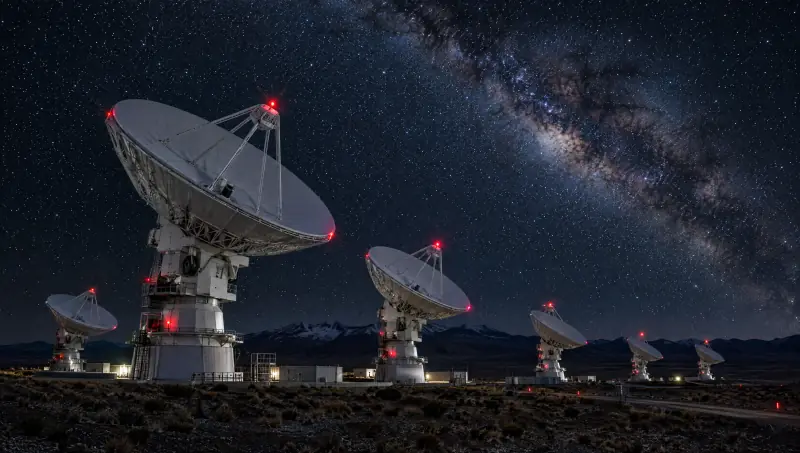
  • InfrastructurePipelines, grids, ground stations and subsea cables, watched as one network.
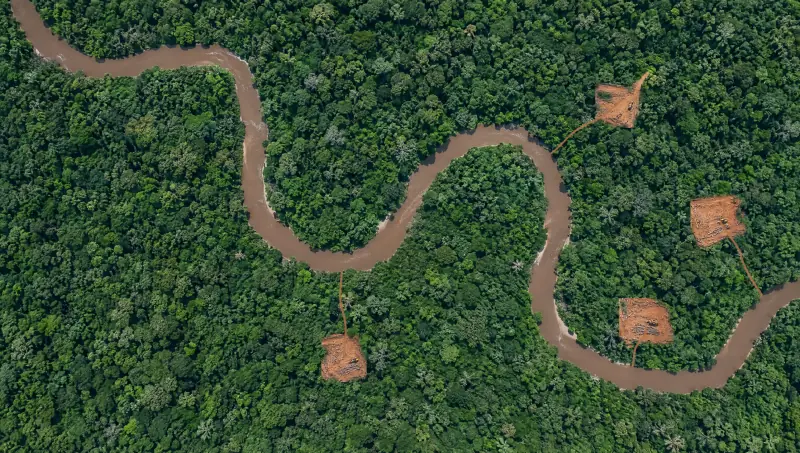
  • Territory and bordersBorders, coastlines and protected land, patrolled from the air and read from orbit.
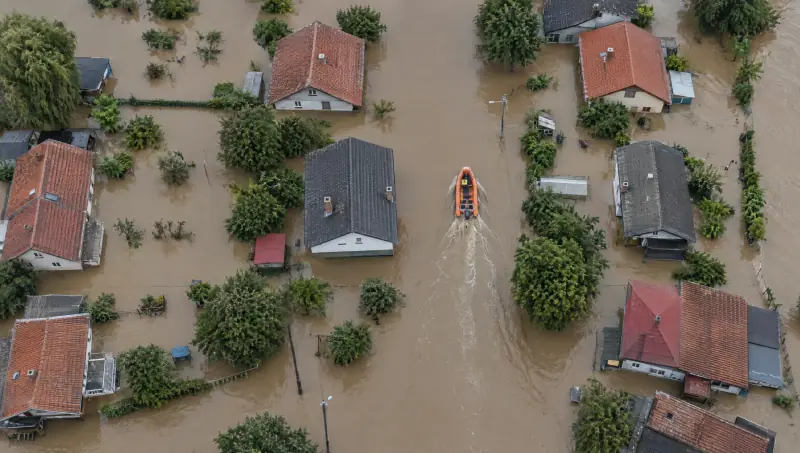
  • People in disastersFloods and fires met with a search grid, and one picture for every rescue team.

02Digital

The identities and data people carry.

  • ExposurePersonal data found on people‑search and data‑broker sites, and taken down.
  • DevicesFiles checked on the Mac for signatures, lures and disguises before they run.
  • AccessThe apps and the Vault behind Face ID, Touch ID or a passcode.

People in disasters

When the water rises, people come first.

In a flood or a fire, minutes decide who is found.

Aerial view of a flooded town, with an orange rescue boat moving between the houses
  1. 01

    Map the water

    Satellite and drone imagery show which streets are under water and which roads still run.

  2. 02

    Sweep the grid

    Drones fly a search pattern, cell by cell. Thermal cameras look for people on roofs and in the water.

  3. 03

    Share one picture

    Every rescue team sees the same map, the same signatures and the same boats, on whatever screen they carry.

  4. 04

    Close the loop

    Each signature is marked when a team reaches it, so the next boat goes where it is needed.

Search and rescue on Land

The personal layer

The same line, drawn around one person.

The system that watches a pipeline also watches over the people who run it. Here is what runs in the Vamocles apps today, stated plainly.

Vanish

Personal data, off brokers’ lists

Vanish searches 24 of 38 people‑search and data‑broker sites for your name, then prepares official removal requests you send with one tap each.

  1. DiscoverA listing counts only when it shows your first and last name plus a city or phone number you gave.
  2. SendOne tap or click per request, through each broker’s official web form, email or portal. Nothing is sent silently.
  3. VerifyA weekly re‑scan checks again. A listing is marked removed only when the re‑scan proves it is gone.

The law your requests cite

Requests will cite GDPR Article 17.

With an Article 21 objection and the one‑month reply deadline of Article 12(3).

Files on the Mac

Checked on the machine, before it runs.

Drop a file or a whole folder on the notch or the Scan page.

See it in the notch on the Command page

The seven checks

ThreatReviewNote

  1. 01

    App signatures

    Every app’s code signature is validated with Apple’s Security framework. A signed app that has not been opened yet is noted too.

    ReviewNote
    Apps without a valid signature can’t be verified. Open only if you trust the source.
  2. 02

    Disguised executables

    A document name hiding a program, like Invoice_March.pdf.command.

    Threat
    Looks like a document but runs as a program. A common malware lure.
  3. 03

    Windows executables

    .exe, .scr, .bat, .msi, .lnk and others. Ones that arrived from the internet need a look.

    ReviewNote
    It can’t run on this Mac, but it’s a common lure — don’t forward it.
  4. 04

    Scripts from the internet

    Shell, Python, Ruby, AppleScript and Automator files that still carry the quarantine flag.

    Review
    Read it before running — scripts run with your permissions.
  5. 05

    Installers from the internet

    .pkg, .dmg and .mpkg files that arrived from the internet.

    Note
    Verify the publisher before installing.
  6. 06

    Archives from the internet

    .zip, .rar, .7z, .tar, .iso and others.

    Note
    Contents weren’t inspected. Extract and drop the folder to scan inside.
  7. 07

    Hidden executables

    Hidden files that can run, tucked into user folders.

    Review
    Hidden files that can run are unusual in user folders.

Quoted lines are the verdicts the Mac app shows. No file content is read and nothing is uploaded: the checks use names, metadata and code signatures only.

Principles

Built to defend. Nothing else.

Protection that people can trust has to be restrained. These lines hold in every domain and at every scale.

Defensive by design

Vamocles watches, warns, protects and rescues. No weapons, no targeting of people, no offensive operations.

People in command

The system recommends; people decide. Nothing is dispatched, locked or sent without the person authorised to do it.

Consent is recorded

Vanish acts only on the identifiers you give it and the consent you record, with a timestamp. Every request waits for your tap.

No government ID

Vanish never collects passport, licence, tax or social security numbers.

Official channels only

Removal requests go through each broker’s own web form, email or portal. Nothing goes round the side.

On the device first

Files are analysed on the Mac. Identifiers and keys live in the device Keychain, never in plain settings.

How we protect what we hold

Tell us what has to hold.

A site, a coastline, a network or a team of people. We will show you where Vamocles would draw the line.